




Scattered posts
Every client is a different workplace, with no time clock.
Time & attendance · Guarding
Your guards take up their posts at many client sites, day and night, far from your offices. With EASY-STAFF they clock in from their phone on arrival, the GPS position is attached, and you get each guard's hours, site by site.
Your constraints
A guarding company sells hours of presence, and it has to be able to prove them.
Every client is a different workplace, with no time clock.
Watches start in the evening and end the next morning.
The client wants to know the post was manned, on time.
With EASY-STAFF
Recommended time clocks
Guards who start their shift at the branch or at a large permanent site can use a terminal; the others clock in on their phone.
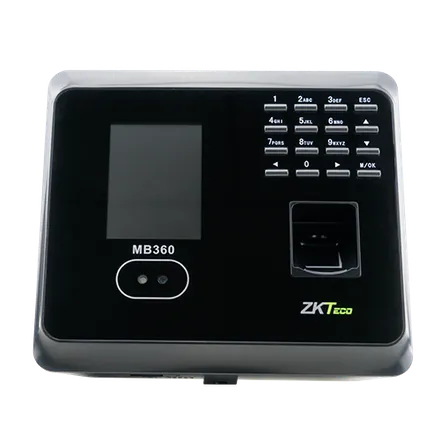
ZKTeco
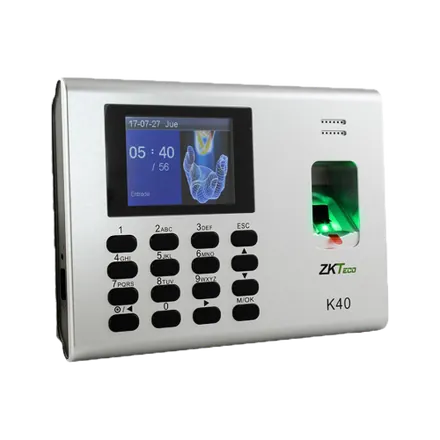
ZKTeco
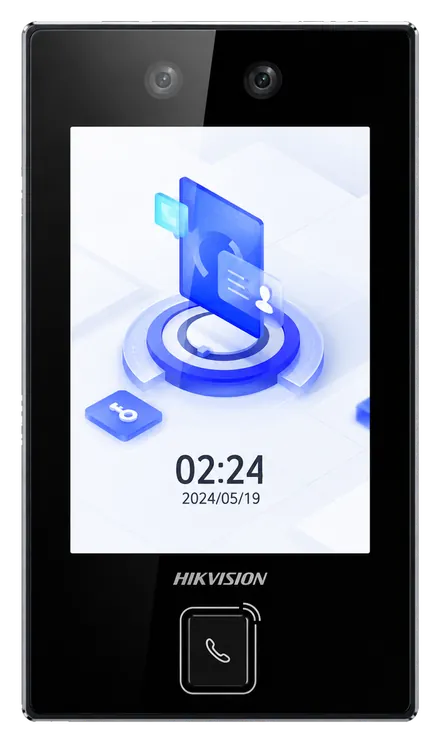
Hikvision
In practice
At 7 pm, the guard clocks in from their phone on arriving at the client's; the position is attached.
Next morning they clock out: the shift counts towards the day it started.
The manager finds the shift in the day's list, on the map and in the site report.
No. They clock in from their EASY-STAFF space, opened in the phone's browser.
Yes, guard by guard: for those you select, a punch without a position is not recorded.
Yes. Overtime worked between 9 pm and 6 am is classified at its own rate, as Article 201 of the Labour Code provides.
It gives the hours clocked at each site; the invoicing itself is done in your usual tool.
Yes: we run a demo on your own hours, sites and special cases. Request it here.
Clock in from the phone, GPS position attached.
Cleaning staff at client premises, staggered hours.
All your locations in a single platform.
We show you a guard clocking in by phone, the map of positions and the report by site.