




Temporary locations
Installing a terminal for a few months of works is not always worth it.
Time & attendance · Construction
One site opens, another closes, a crew moves between them during the week. EASY-STAFF sets up a clock-in point for each site without installing any hardware, lets workers clock in on their phone or on an outdoor terminal, and splits their hours by site.
Your constraints
On a construction site nothing stays put: not the location, not the crew, sometimes not even the power supply.
Installing a terminal for a few months of works is not always worth it.
The same worker may be on two sites in a single day.
Dust, rain, sun and power cuts put equipment to the test.
With EASY-STAFF
Recommended time clocks
Where a terminal makes sense (site camp, depot, long-running project), choose a model protected against dust and water, or one with a battery.
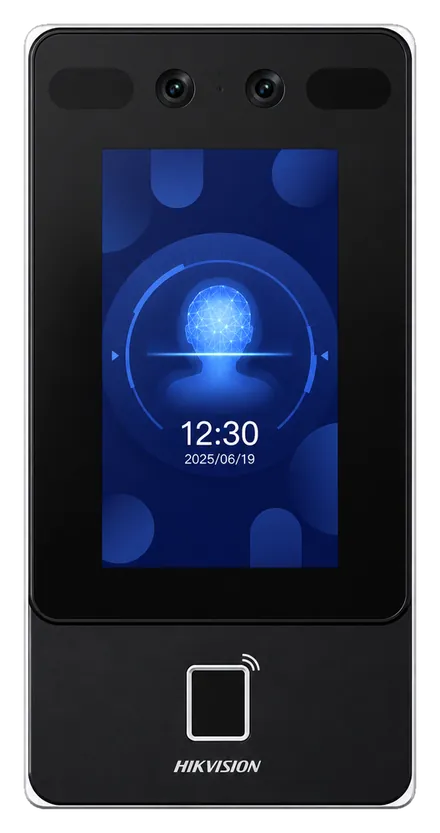
Hikvision
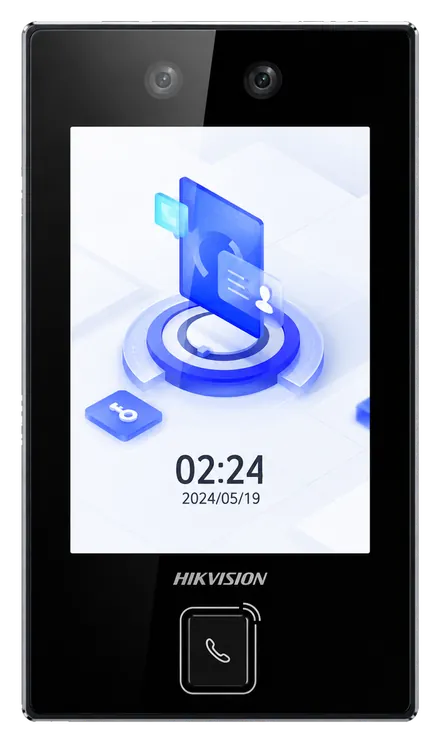
Hikvision
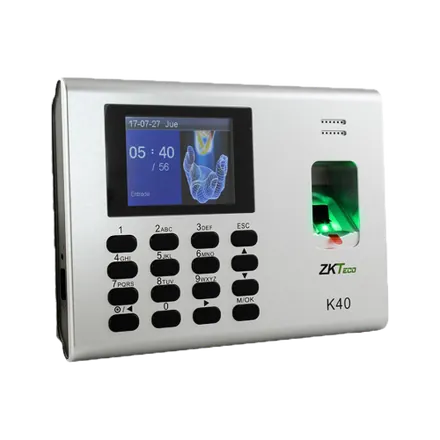
ZKTeco
In practice
The project is added as a site, with its zone drawn on the map.
The workers involved clock in there from their phone, or an authorised manager records the crew's punches.
Hours spent on site remain available in the report by site.
No. A clock-in point with no hardware is enough: workers clock in on their phone, in the browser, with no app to download.
An authorised manager can record punches for a group, and those entries stay marked as manual. A barcode scanner is another option.
Yes, with a protected model: Hikvision rates both the DS-K1T342MFWX and the DS-K1T344MX-E1 IP65, the latter from -30 °C to 60 °C.
No. The position is read when they clock in, never continuously.
Yes: we run a demo on your own hours, sites and special cases. Request it here.
Clock in from the phone, GPS position attached.
All your locations in a single platform.
ZKTeco and Hikvision terminals, installed and connected.
We show you how a site is created, phone clock-in and the report by site.