




Rotations to keep track of
Morning, afternoon, night: the same worker changes shift from one week to the next, and the hours must land on the right day.
Time & attendance · Manufacturing
On a factory floor, knowing who is in is only half the answer: you also need to know which shift they worked and for how long. EASY-STAFF collects punches from the shop-floor terminals, matches them against the rotation plan and isolates each worker's overtime, ready for payroll.
Your constraints
The bigger the workforce, the more a small gap adds up: a few minutes per person per day turns into hours by month end.
Morning, afternoon, night: the same worker changes shift from one week to the next, and the hours must land on the right day.
Dozens of people reach the terminal within the same few minutes, so identification has to be fast.
Rush orders and cover for absences: every extra hour has to be counted at the right rate and be explainable.
With EASY-STAFF
An incomplete day (an entry with no exit) is flagged as an anomaly: an authorised manager fixes it before closing, and the correction stays marked as such.
Recommended time clocks
Whether the workshop has a few dozen people or the plant several hundred, terminal capacity and the identification method make the difference.
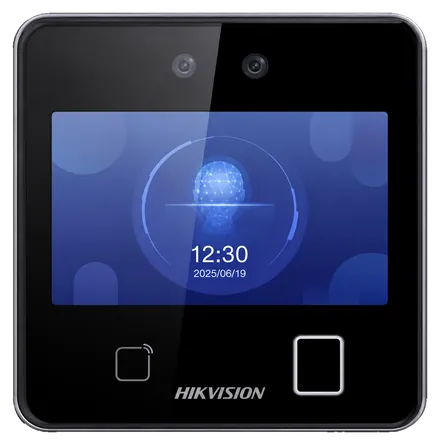
Hikvision
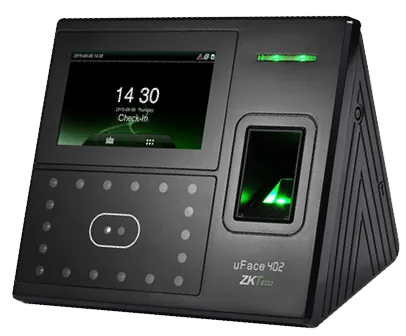
ZKTeco
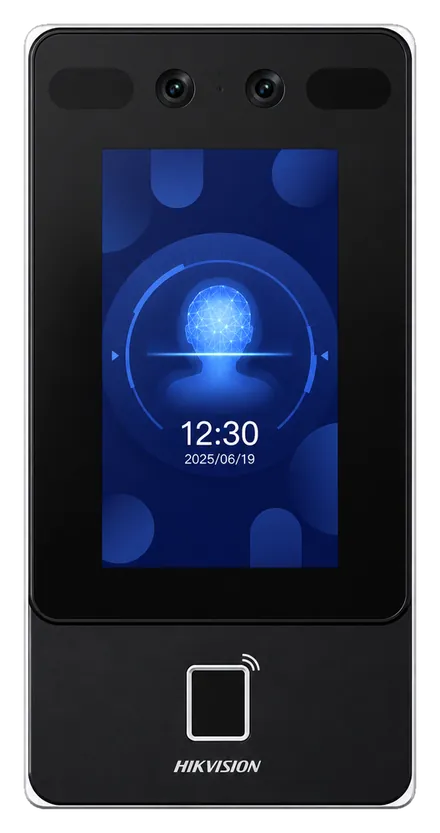
Hikvision
In practice
Each of the three teams gets its shifts for the week, keyed in or loaded from an Excel file.
At every shift change, passes at the terminal reach the platform, attached to the right shift.
Normal hours, premium hours and lateness go to payroll, then the period is locked.
The Labour Code overtime premiums are listed on the attendance and lateness page.
Yes. Each employee gets one shift per day; the rotation is built week by week from your standard shifts or imported from Excel. A night shift counts towards the day it starts.
Yes: the report by department totals the hours of each department or workshop, with the detail per employee, in Excel or PDF.
A high-capacity face terminal such as the DS-K1T642MFW (6,000 faces according to its data sheet) avoids queues at shift change. How many you need is decided with you, based on your flows.
If they are compatible ZKTeco or Hikvision models, yes: we check them, then connect them to EASY-STAFF.
Yes: we run a demo on your own hours, sites and special cases. Request it here.
Working hours, rotating teams and night shifts.
Normal hours and overtime ready for payroll.
Hygiene, seasonal staff and production campaigns.
Walk us through your shift organisation: we show it to you in EASY-STAFF, from the plan to the payroll report.