




Hygiene comes first
Gloves, hairnets, damp hands: clocking in has to be touch-free, at the entrance to the production area.
Time & attendance · Food industry
Packing, processing, canning: in production areas, nobody wants gloved or wet hands on a terminal. EASY-STAFF relies on face recognition and takes seasonal hiring in its stride, without adding to the HR workload.
Your constraints
Hygiene, seasonality and production pace all shape the way people clock in.
Gloves, hairnets, damp hands: clocking in has to be touch-free, at the entrance to the production area.
A campaign or a surge in orders brings in dozens of seasonal workers at once, to be registered and then followed.
Seasonal contracts follow one another, and you need to see which ones are about to end.
With EASY-STAFF
Recommended time clocks
Faces are recognised without contact. Hikvision specifies the DS-K1T342MFWX for recognition with or without a mask, with an IP65 rating.
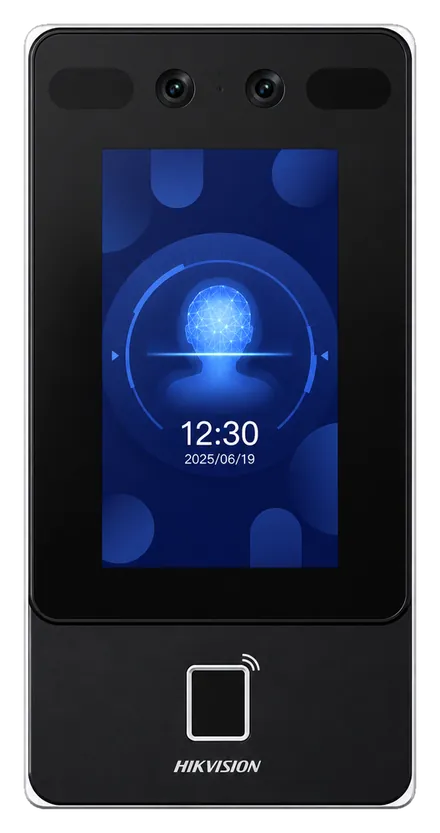
Hikvision
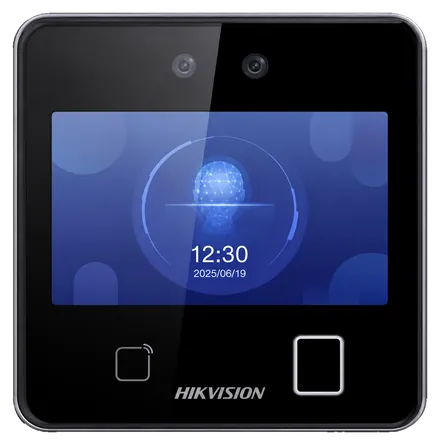
Hikvision
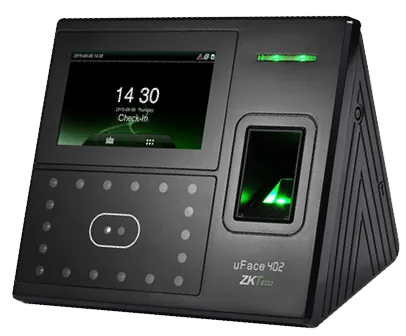
ZKTeco
In practice
Their list is imported from Excel, then each person is enrolled on the face terminal.
Teams clock in at every shift change; lateness, absences and extra time show up day after day.
The month's hours go to payroll, and contracts that have ended are flagged.
It depends on the model: Hikvision specifies face recognition with or without a mask for the DS-K1T342MFWX. The choice is confirmed with you during the assessment.
Their list loads from an Excel file; each face then has to be enrolled on the terminal, a step we organise with you.
Yes: each site keeps its own hours, each manager sees their own, and management gets the overall view.
Yes: we run a demo on your own hours, sites and special cases. Request it here.
Shift teams, night work, busy shift changes.
All your locations in a single platform.
ZKTeco and Hikvision terminals, installed and connected.
We show you the seasonal staff import, face clock-in and the payroll report over a production month.