




Staggered hours
Early morning, late evening, sometimes at night: jobs fit around the client's activity.
Time & attendance · Cleaning
Offices cleaned before staff arrive, malls after closing time, hospitals around the clock: your teams work when everyone else is gone. EASY-STAFF dates each visit, locates it and assigns it to the right client.
Your constraints
The work happens at the client's premises, often in small groups, at hours when nobody is there to see it.
Early morning, late evening, sometimes at night: jobs fit around the client's activity.
One employee may cover two or three clients in a day.
The client wants proof of each visit; the company wants everyone's exact hours.
With EASY-STAFF
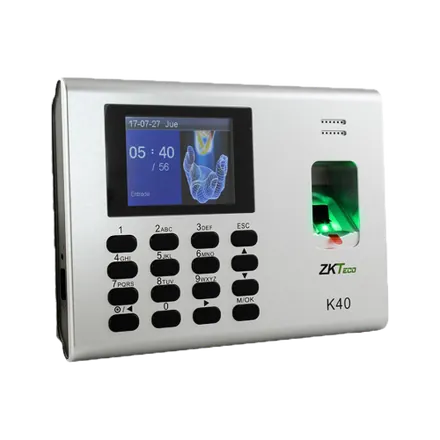
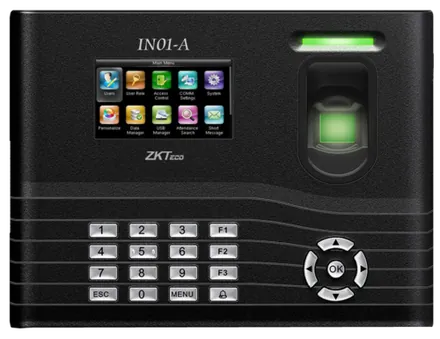
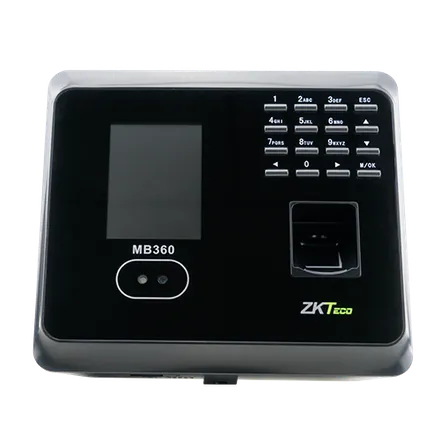
Recommended time clocks
Where a team works continuously (hospital, factory, large mall), a terminal at the staff room entrance is still the simplest option.
ZKTeco
ZKTeco
ZKTeco
In practice
| Time | Site | Clock-in |
|---|---|---|
| 6:00 – 8:30 | A client's offices | Arrival and departure clocked on the phone, with the position |
| 9:00 – 12:00 | Another client's branch | The site is picked from those open to the employee |
| Month end | All sites | The report by site gives each client the hours that belong to it |
Yes: they clock in at each site, and the report by site splits their day between the clients involved.
They are attached to the day they started, like any night shift.
No: a clock-in point with no hardware is enough, and employees clock in from their phone.
Yes: we run a demo on your own hours, sites and special cases. Request it here.
Clock in from the phone, GPS position attached.
Guards posted at your clients' sites, day and night.
All your locations in a single platform.
We show you phone clock-in, the map and the report by site on cases close to yours.